
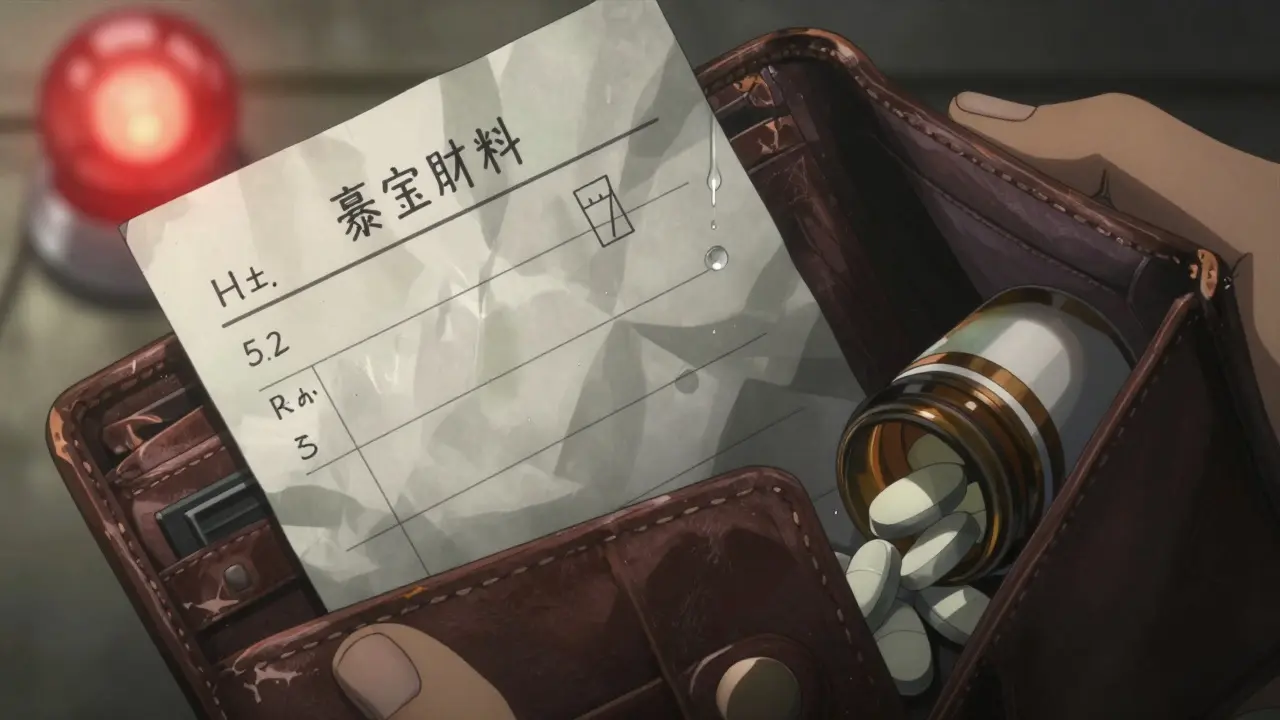
Emergency Medication List Builder
Medication Information
Additional Information
Children's Special Information
Emergency Medication List Preview
This is a sample emergency information card. Please complete all fields before printing.
Every year, thousands of people are rushed to emergency rooms unconscious or unable to speak. In those critical minutes, paramedics and doctors need to know what medications you’re taking - not what you think you’re taking, but what you’re actually taking. A simple, up-to-date medication list can mean the difference between life and death. It’s not just a piece of paper. It’s your emergency lifeline.
Why Your Medication List Matters
Imagine you’re in a car accident. You’re hurt. You can’t talk. The paramedics find your phone, but it’s locked. They don’t know if you’re on blood thinners, insulin, or heart medication. One wrong drug interaction could kill you. That’s why the FDA and CDC have been pushing for decades: everyone who takes medicine - even one pill a day - needs a clear, current list.
Studies show that 66% of American adults take at least one prescription drug. Nearly half take two or more. And when you’re on five or more medications - common for older adults or those with chronic conditions - the risk of a dangerous interaction skyrockets. In the U.S., medication errors cause about 7,000 deaths each year. Many of those deaths happen because no one knew what the patient was taking.
A 2020 study in the Annals of Internal Medicine found that patients who brought an updated medication list to the hospital had 37% fewer errors in their treatment. That’s not a small number. That’s life-saving.
What to Include on Your Emergency Medication List
Don’t just write down drug names. You need details. Here’s exactly what to list for every medication:
- Generic name - e.g., “metformin”
- Brand name - e.g., “Glucophage”
- Strength - e.g., “500 mg”
- Dosage form - tablet, capsule, liquid, injection
- Dose - how much you take each time
- Frequency - how often - e.g., “once daily,” “every 8 hours”
- Time of day - “take with breakfast,” “at bedtime”
- Purpose - why you take it - e.g., “for high blood pressure,” “for diabetes”
- Prescribing doctor - name and clinic
And don’t forget the non-prescription stuff:
- Over-the-counter drugs - like ibuprofen, antacids, or sleep aids
- Vitamins and minerals - especially iron, vitamin D, or calcium
- Herbal supplements - garlic pills, fish oil, St. John’s wort
- Traditional or cultural remedies - if you use them
Also include:
- Your allergies - not just “penicillin,” but what happened: “rash,” “swelling,” “trouble breathing”
- Any serious medical conditions - heart disease, diabetes, kidney failure, epilepsy
- Your code status - do you want CPR if your heart stops? (Yes/No)
- Emergency contacts - name, phone, relationship
- Blood type - if you know it
Children need extra details: weight in kilograms, liquid medication concentration (e.g., “100 mg/5 mL”), and exact measurement tools used (spoon, syringe).
Paper vs. Digital: Which Format Works Best?
You have two main choices: paper or phone. Both work - but only if they’re updated.
Paper cards are simple. Print a free template from the CDC or FDA, or use a blank index card. Keep it in your wallet, purse, or taped inside your medicine cabinet. Use pencil - that way, you can erase and rewrite when your meds change. A 2021 study found paper cards were present in 18% of emergency cases, but when they were there, they were accessed 78% of the time. That’s high reliability.
Digital Medical ID is built into your phone. On iPhone: open Health app → tap your profile → Medical ID → toggle “Show When Locked.” Add your meds, allergies, and contacts. On Android: open Phone app → Emergency information → Edit → Add your details. The big advantage? First responders can access it without unlocking your phone. Just tap “Emergency” on the lock screen, then “Medical ID.”
But here’s the catch: 92% of adults own smartphones, but only 32% of unconscious patients with phones had their Medical ID accessed in emergencies. Why? Phones die. Phones break. Phones are left at home. Paper doesn’t need charging.
Best practice? Do both. Keep a paper card in your wallet. Set up your phone’s Medical ID. That way, you cover every scenario.
How to Build Your List - Step by Step
Don’t guess. Don’t rely on memory. Here’s how to do it right:
- Gather everything. Pull out every pill bottle, liquid container, supplement box, and prescription bag. Don’t miss anything - even that herbal tea you take for sleep.
- Write down each one. Use the checklist above. Be specific. Write “metformin 500 mg, one tablet twice daily with meals” - not just “diabetes pill.”
- Check for duplicates. Did your doctor prescribe lisinopril, but your pharmacist gave you a generic version? List both names. Are you taking two different painkillers? Write both.
- Remove discontinued meds. If you stopped a drug because of side effects, write it down: “Atorvastatin - stopped in Jan 2025 due to muscle pain.”
- Review with your pharmacist. Take your list to your pharmacy. Pharmacists are trained to spot errors. They’ll catch things you missed - like interactions between your supplements and prescriptions.
- Share it. Give a copy to your primary doctor, your emergency contact, and your caregiver. If you have a smartwatch or medical alert bracelet, add your info there too.
It takes 15 to 20 minutes the first time. After that, updates take 2 to 3 minutes - just add or cross out a line.
Keep It Updated - Or It’s Useless
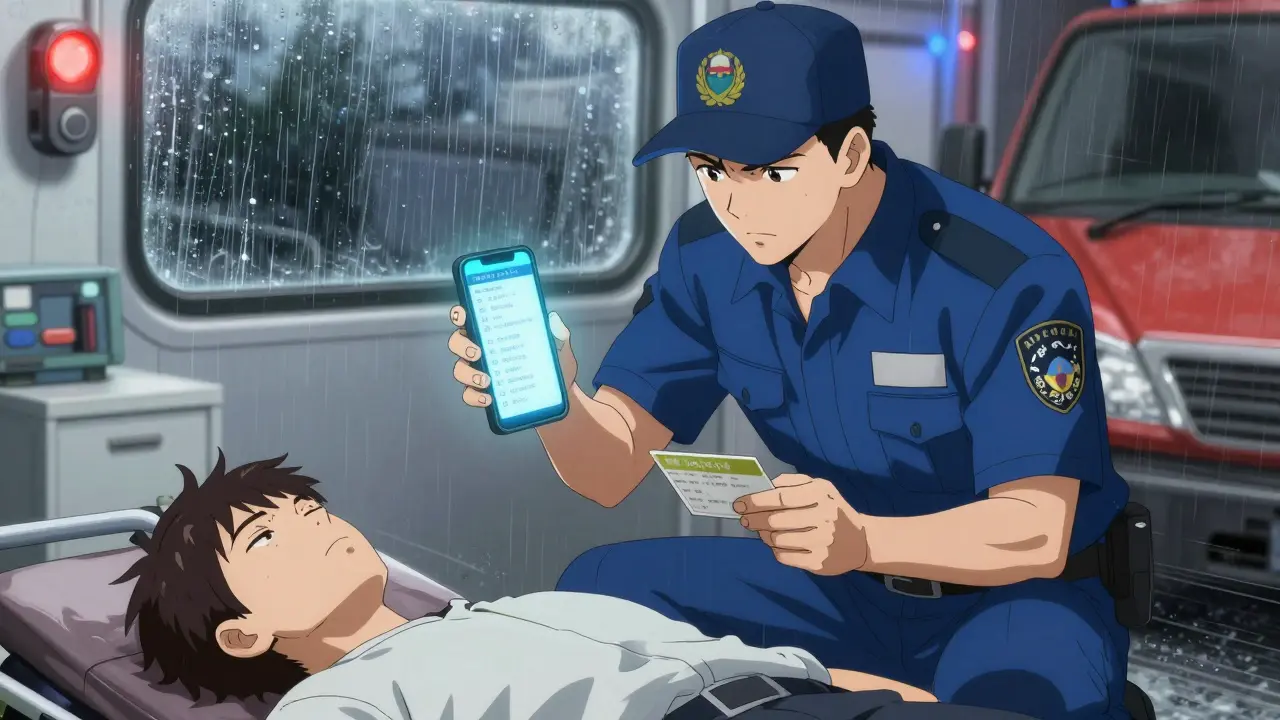
A 2023 Reddit thread from nurses and caregivers showed that 83% of emergency responders had seen cases where an outdated list caused harm. One woman’s mother had been switched from insulin glargine to insulin detemir - but her paper list still said “Lantus.” The ER gave her the wrong dose. She spent 36 hours in the hospital.
Your list is only as good as its last update. Make this rule: Update it every time you get a new prescription, stop a drug, or change your dose. Set a monthly reminder on your phone: “Check meds.”
Also, review it at every doctor’s visit. Bring it with you. Ask your doctor: “Is this still right?”
Who Needs This Most?
Everyone should have one. But these groups are at highest risk:
- People over 65 - 89% take at least one prescription drug
- People on five or more medications
- People with diabetes, heart disease, kidney disease, or epilepsy
- People taking blood thinners, antidepressants, or opioids
- People with memory issues or dementia
- Parents of young children on multiple meds
If you fall into any of these groups, your list isn’t optional. It’s essential.
Where to Get Free Templates
You don’t need to pay for this. These are trusted, free templates:
- Centers for Disease Control and Prevention (CDC) - “My Medications List” - includes space for traditional remedies
- U.S. Food and Drug Administration (FDA) - “My Medicines” form - clean, simple, widely used
- CVS Pharmacy - online wallet card generator - printable and fillable
- Children’s Hospital of Philadelphia - pediatric-specific version
Commercial templates on Etsy cost $2-$5 and offer fancy designs - but they’re not more accurate. Stick with the CDC or FDA versions. They’re clinically validated.
What Could Go Wrong
Some people avoid making lists because they’re afraid of privacy leaks. But here’s the truth: your phone’s Medical ID is locked. No one can see it unless they tap “Emergency.” And paper cards? They’re in your wallet - not online.
Another mistake: writing “as needed” without explaining what that means. “Take Tylenol as needed for pain” isn’t enough. Write: “Take 650 mg every 6 hours if pain is above 5/10.”
And never - ever - write “allergies: penicillin.” Write: “Penicillin - severe rash, swelling of throat, stopped breathing.” That’s the detail that saves lives.
Real Stories - Real Impact
A nurse in New Jersey shared how a patient’s wallet card saved him. He was brought in unconscious after collapsing. His card listed warfarin, a blood thinner. The ER team almost gave him a powerful antibiotic - which can cause fatal bleeding with warfarin. The card stopped them. He lived.
A woman in Florida evacuated during Hurricane Ida. She had a kidney transplant and took six daily medications. Her paper card kept her on track. No delays. No missed doses. No rejection.
But then there’s the flip side: a man in Ohio died after a fall. His phone was cracked. His paper list was 18 months old. He was on a new blood pressure drug. The ER didn’t know. They gave him the old one. His blood pressure crashed.
Your list isn’t a formality. It’s your voice when you can’t speak.
Final Checklist
Before you put this away, ask yourself:
- Is every medication listed - including vitamins and herbs?
- Are doses, times, and purposes clear?
- Are allergies described in detail?
- Is your emergency contact info current?
- Is the list in your wallet and on your phone?
- Did you review it with your pharmacist this month?
If you answered yes to all five - you’re ready. If not - fix it today. Don’t wait for an emergency to remind you.
What if I don’t know the generic name of my medicine?
Look at the pill bottle or prescription label - it always lists the generic name below the brand name. If you’re unsure, call your pharmacy. Pharmacists can tell you the generic name and confirm the dosage. Don’t guess - write exactly what’s on the label.
Should I include supplements and herbal remedies?
Yes - absolutely. Many herbal supplements interact dangerously with prescription drugs. St. John’s wort can cancel out antidepressants. Garlic pills can thin your blood like aspirin. Fish oil can increase bleeding risk during surgery. If you take it, list it. Your life could depend on it.
How often should I update my list?
Update it every single time you start, stop, or change a medication. That includes over-the-counter drugs and supplements. Set a monthly reminder on your phone. Also, review it at every doctor’s visit. Outdated lists are worse than no list at all.
Can I use a digital app instead of a card?
Yes - but only if you use the built-in Medical ID on your phone (iPhone Health app or Android Emergency Info). Third-party apps are not accessible from a locked screen. First responders need instant access. Don’t rely on apps that require a login or password.
What if I forget my card or phone?
Tell a trusted friend or family member where you keep it - and ask them to carry a copy. If you live alone, leave a printed copy taped to your fridge or medicine cabinet. In an emergency, first responders often check those places. Also, consider a medical ID bracelet with your main condition and emergency contact.
Is my information safe if I use my phone’s Medical ID?
Yes. Apple and Android only show Medical ID when someone taps “Emergency” on the lock screen. No one can access your full phone or personal data. The information is designed to be seen only by emergency personnel. It’s not stored online or shared with anyone else.
Next Steps
Right now, open your medicine cabinet. Pull out every bottle. Grab a pen and paper. Start listing. Don’t wait. Don’t think “I’ll do it later.” Later might be too late.
If you’re helping an older parent, a child with chronic illness, or someone with memory problems - help them make this list. Sit with them. Call their pharmacist together. Make it a routine.
This isn’t about paperwork. It’s about control. It’s about safety. It’s about making sure that if something happens - someone knows exactly how to help you.

Write a comment
Your email address will not be published.
Recent Posts
-
 Monitoring Your INR: Understanding Blood Thinner Levels and Targets January 27, 2026

11 Comments
People think this is about paperwork. It's not. It's about responsibility. You're not just writing down pills-you're writing down your life. If you can't be bothered to keep track of what's in your body, don't be surprised when the system fails you. This isn't hard. It's just inconvenient for people who think they're too busy to live.
It is with profound regret that I observe the contemporary erosion of personal accountability in matters of health governance. The imperative to maintain a meticulously curated pharmacological inventory is not merely a pragmatic recommendation-it is an ethical obligation incumbent upon every sentient individual who partakes in the pharmacopeia of modernity. Failure to do so constitutes a dereliction of civic duty.
As a former ER nurse with 17 years in trauma care, I’ve seen too many preventable deaths. 🚨 The #1 thing that kills people? Outdated med lists. 🤦♂️ I once had a guy on warfarin who didn’t know his INR was 8.2 because his list said "as needed" for aspirin. He almost bled out. Update your list. Now. Your life isn’t a draft.
my mom just got a new blood pressure med last week and i forgot to update her card till she passed out at the grocery store 😭 we got it fixed but wow this hit hard
just printed mine and stuck it in my wallet. took 12 minutes. felt good. dont overthink it. just do it. the world dont need more drama just more lists
How dare you suggest paper cards are "reliable"? 🤡 The real solution is a blockchain-based, biometrically encrypted, AI-audited medical ledger synced across all global health networks. Anything less is medieval. Also, your phone's Medical ID? Useless if you don't have a verified Apple Health subscription. 📱💥
This is not just advice. This is a sacred act of love. For your parents. For your children. For your partner who wakes up beside you every morning wondering if today will be the day they lose you. This list is your final whisper when your voice is gone. Please. For the love of everything holy, do not wait. Do not postpone. Your silence could be their last memory of you.
Let me tell you what they don’t want you to know. The FDA and CDC didn’t push this because they care about you. They’re setting up a national medical surveillance system. Every time you update your list, you’re feeding data into a private health AI that predicts your death timeline. That’s why they say "update monthly"-it’s a tracking protocol. They already know your blood pressure trends. Your supplement habits. Your sleep patterns. Your list isn’t for the ER. It’s for the algorithm. And they’re not saving lives-they’re monetizing your vulnerability.
I find it deeply troubling that you encourage the use of "herbal remedies" on emergency lists. These are unregulated, untested, and often toxic. St. John’s wort? A dangerous psychoactive substance masquerading as wellness. Fish oil? A blood thinner disguised as a supplement. This is not health literacy-it is negligence disguised as inclusivity. You are endangering lives by legitimizing pseudoscience. A true medical list should contain only FDA-approved pharmaceuticals, period.
Thank you for writing this. I’ve been helping my dad update his list since his stroke last year. He gets confused easily, and I used to think it was just paperwork. But last week, the ER nurse said, "This card saved his life." I cried in the parking lot. If you’re reading this and you’re scared to start-start small. One pill. One line. Then come back tomorrow. You’re not alone in this.
@Liz MENDOZA - you just made me tear up. I’ve been telling my patients this for years. Nobody listens. Then someone dies. And the family says, "We didn’t know." You’re right. It’s not about the paper. It’s about showing up for each other. I’m going to print 50 copies and hand them out at the senior center tomorrow. 💙