You’ve just picked up your new prescription. The pharmacist hands you a bottle with a label that looks like it was written by a robot. There are times, dosages, warnings about food, and notes on other drugs you’re taking. It’s easy to feel overwhelmed. You might think, "I’ll just set an alarm on my phone for 8 AM and 8 PM." But what if the label says "take on an empty stomach" or "wait two hours after taking this before taking your next pill"? Ignoring those details isn’t just inconvenient-it can be dangerous.
Using the specific information on prescription labels is the critical foundation for establishing precise medication reminder systems that enhance patient safety and adherence is no longer optional. It is the difference between simply remembering to take a pill and taking it correctly. Modern digital health tools have moved far beyond simple buzzers. They now read, interpret, and schedule based on the complex instructions printed on your bottle. This shift has reduced timing-related errors significantly, but only if you know how to use them properly.
Decoding the Critical Data on Your Label
Before you open any app, you need to understand what you are looking at. The U.S. Food and Drug Administration (FDA) regulates these labels under strict guidelines (21 CFR Part 201). They aren’t random; they contain specific data points that dictate your schedule. If you miss one, your reminder system will fail you.
Here are the key elements you must extract from your label:
- Dosage Form and Strength: Is it a tablet, capsule, or liquid? How many milligrams? This ensures the reminder matches the physical pill you hold.
- Frequency Instructions: Look for phrases like "every 8 hours" versus "three times daily." These sound similar but mean very different things in terms of spacing. "Every 8 hours" requires strict intervals (e.g., 6 AM, 2 PM, 10 PM), while "three times daily" often allows for more flexibility around meal times.
- Food Interactions: Does it say "take with food" or "on an empty stomach"? A reminder set for 3 AM is useless if you need to eat breakfast first. Context matters.
- Drug Interaction Warnings: This is crucial for polypharmacy patients (those taking multiple meds). Labels may state "do not take within 2 hours of antacids." Your reminder system needs to know this to space out your alerts.
A 2023 analysis by the National Institutes of Health found that 78.3% of medication errors related to timing occur when these label specifications are ignored. Don’t guess. Read the fine print.
Why Basic Alarms Fail and Smart Systems Succeed
You could use a standard alarm clock app like Alarmy. It’s free and easy. But it lacks intelligence. It doesn’t know that your blood pressure medication interacts with your diabetes drug. It doesn’t know that you shouldn’t take your antibiotic at 2 AM because it causes insomnia. It just rings.
Advanced medication reminder systems, such as Medisafe (founded in 2012) and MyTherapy (launched by SmartPatient GmbH in 2015), work differently. They don’t just store time; they process logic. According to a 2023 systematic review in the Journal of the American Medical Informatics Association (JAMIA), systems that properly utilize medication label information improve adherence rates by 23.7% compared to basic alarms. The most advanced systems achieve adherence rates of 82.4% among chronic disease patients.
| Feature | Basic Alarm App | Label-Aware System (e.g., Medisafe) |
|---|---|---|
| Scheduling Logic | Static (fixed times) | Dynamic (adjusts for interactions) |
| Food/Context Awareness | None | High (reminds "with breakfast") |
| Error Reduction | Low | 63.2% reduction in timing errors |
| Data Source | User input only | OCR + Drug Databases |
The gap in performance comes down to data. Advanced systems integrate with comprehensive drug databases containing over 150,000 pharmaceutical products and nearly 500,000 interaction data points. They cross-reference your label against this massive library to ensure safety.
How Technology Reads Your Label
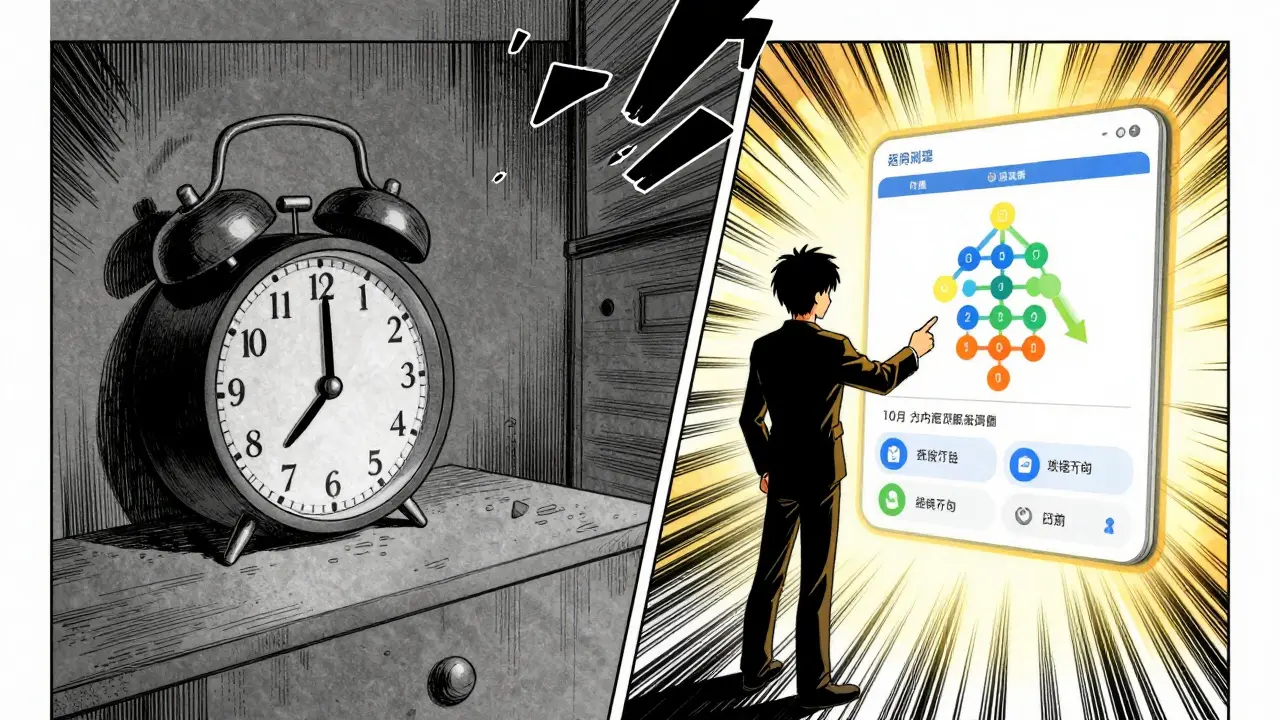
You don’t have to type every detail manually anymore. Most modern apps use Optical Character Recognition (OCR) technology. You snap a photo of your prescription label, and the app extracts the text. A 2024 study published in npj Digital Medicine showed that modern AI models achieve 98.7% accuracy in this extraction.
But reading the text is only half the battle. The system must then translate "take one tablet every 8 hours" into a structured schedule. This involves Natural Language Processing (NLP) algorithms trained on hundreds of thousands of labels. These algorithms identify two critical parameters defined in the Universal Medication Schedule (UMS) framework:
- MTCOD (Medication Time Constraint with One Drug): The minimum interval between doses of the same medication. For example, "do not take more than one dose every 6 hours."
- MTCMD (Medication Time Constraint with Multi-Drug): Required intervals between different medications due to interactions. For example, "take Medication A at least 2 hours before Medication B."
This technical backend work happens silently. Your job is to verify that the app interpreted the label correctly. Check the visual timeline. Does it look right?
Navigating Ambiguity and Human Oversight
Technology is powerful, but it isn’t perfect. A major challenge remains: ambiguous language on generic drug labels. A study in the Journal of the American Pharmacists Association found that 22.4% of generic drug labels use non-standard phrasing that confuses automated systems. Phrases like "take as needed" or vague timing instructions can lead to scheduling gaps.
Furthermore, standard labels don’t always reflect your unique body. A Mayo Clinic study documented that 18.7% of patients require modified schedules based on individual factors-like kidney function or sleep patterns-that aren’t printed on the box. If your doctor told you to "skip the morning dose if your blood pressure is low," a standard label-based reminder won’t know that.
This is why human oversight is still vital. Dr. John Santa, Director of the Consumer Reports Health Rating Center, warned in a 2024 report that over-reliance on automated interpretation without human checks contributed to 14.3% of medication errors in digital health tools. Always double-check the generated schedule against your doctor’s verbal instructions.
Best Practices for Setting Up Your System
To get the most out of label-based reminders, follow these steps. This process aligns with best practices identified by the Healthcare Information and Management Systems Society (HIMSS).
- Use Standardized Apps: Choose platforms that integrate with electronic health records (EHRs) or use standardized terminologies like SNOMED CT and RxNorm. Apps like Epic MyChart or CareZone are examples of systems designed for this level of integration.
- Scan, Don’t Type: Use the camera feature to scan your label. Manual entry introduces human error. OCR reduces this risk significantly.
- Enable Interaction Checks: Ensure your app has access to a robust drug interaction database. This is non-negotiable if you take more than two medications.
- Review Visual Timelines: Many advanced apps display a visual timeline of your day. Look for red flags or overlapping doses. If two pills are scheduled for the exact same minute, check if there is a required separation interval.
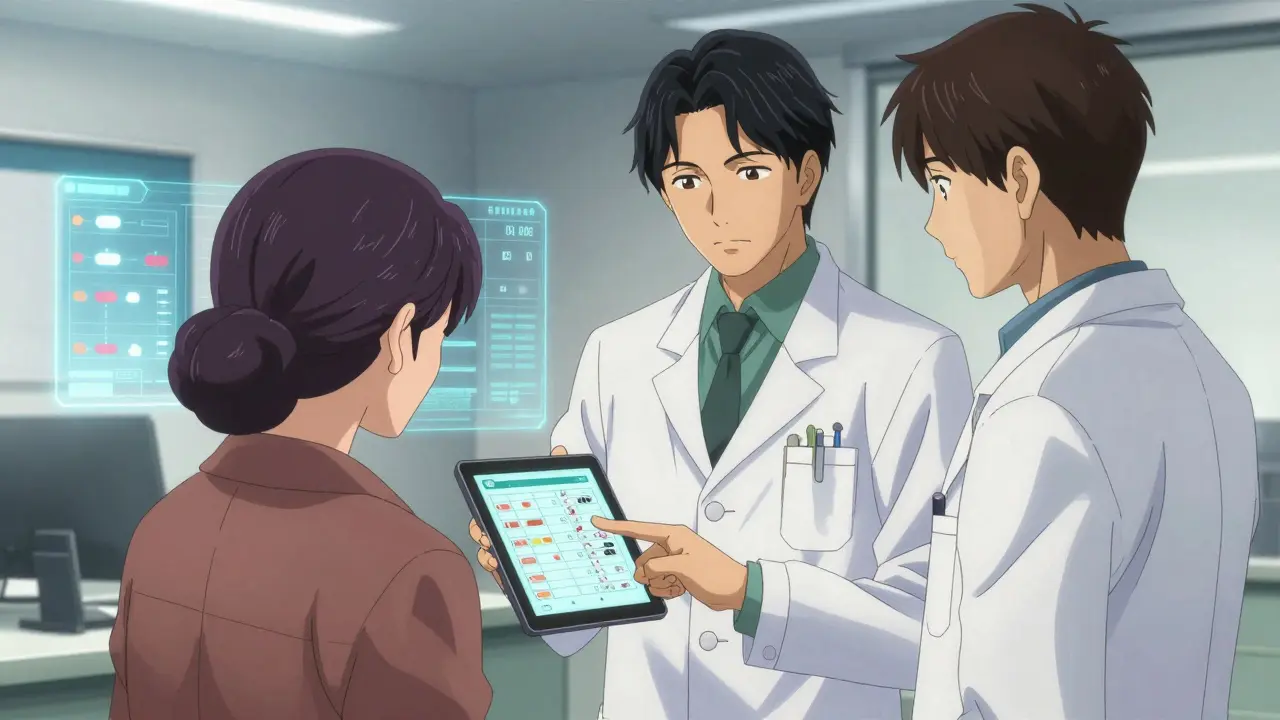
- Involve Your Pharmacist: Ask your pharmacist to review your digital schedule. They can catch ambiguities that the app missed. This dual verification process is considered a gold standard in medication safety.
For senior users, the benefits are even clearer. An AARP survey of 3,500 adults over 65 found that 76.4% reported better adherence when reminders included label-derived instructions like "take with breakfast" rather than just a cold time alert. Context helps memory.
The Future of Label-Based Reminders
We are moving toward a future where your medication reminders are seamlessly integrated into your healthcare ecosystem. By 2026, regulatory requirements like the CMS Interoperability and Patient Access Rule will mandate that Medicare-participating health systems implement reminder systems that accurately reflect label information. Major EHR vendors like Epic and Cerner are already rolling out modules like "PharmaGuide" to automate this process.
New technologies are emerging too. In September 2024, the FDA approved the first AI-powered system by AiCure that uses computer vision to verify both the label information and actual medication ingestion. This closes the loop: not just reminding you, but confirming you took it. With Frost & Sullivan predicting that 92.4% of medication reminder systems will incorporate standardized label interpretation protocols by 2027, accurate labeling is becoming the baseline for digital health.
Your prescription label is not just legal paperwork. It is a detailed instruction manual for your health. Treat it with respect, decode its specifics, and let smart technology handle the complexity. Your health depends on the precision of those details.
What is the most important information on a prescription label for setting reminders?
The most critical pieces of information are the frequency instructions (e.g., "every 8 hours" vs. "twice daily"), dosage strength, and special administration instructions like "take with food" or "avoid alcohol." These details determine the timing and context of your reminders, ensuring safe and effective drug absorption.
Can I just use a regular phone alarm instead of a medication app?
You can, but it is risky. Regular alarms do not account for drug interactions, food requirements, or minimum intervals between doses. Studies show that label-aware apps reduce timing errors by over 60% compared to basic alarms, making them much safer for patients taking multiple medications.
How do apps read my prescription label accurately?
Most advanced apps use Optical Character Recognition (OCR) combined with Artificial Intelligence. You take a photo of the label, and the software extracts the text with high accuracy (up to 98.7%). It then maps this data to standardized medical databases to generate a safe schedule.
What should I do if the app misunderstands my label?
Always manually review the generated schedule. If the app misinterprets ambiguous language (which happens in about 22% of cases with generic drugs), correct it manually. Then, consult your pharmacist to verify the correct timing, especially if you have complex interactions.
Are medication reminder apps free?
Many offer free versions with basic features, but advanced label interpretation, interaction checking, and family sharing often require a subscription. Given the potential cost savings from avoiding hospital visits due to medication errors, investing in a robust app is often worthwhile.

Recent Posts
-
 How to Monitor Your Symptoms after a Safety Communication March 11, 2026
 -
 Buy Cheap Generic Lisinopril Online - Safe UK Guide October 5, 2025